
There are 4 ways to get from Pinar de las Rozas to Madrid Atocha Station by train (Renfe), bus, taxi, or car
Select an option below to see step-by-step directions and to compare ticket prices and travel times in Rome2Rio's travel planner.
Train (Renfe)
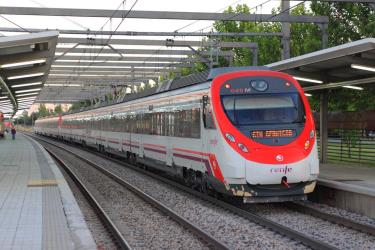
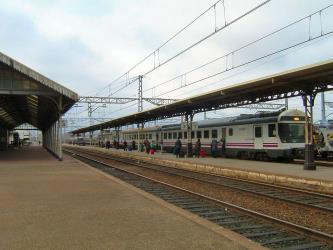
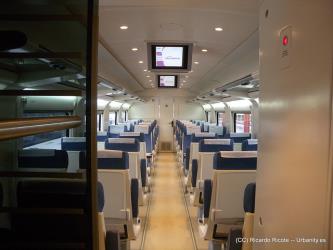
best- Take the train from Pinar de las Rozas to Madrid-Atocha Cercaníastrain C10
43 min€2–7Line 629 bus, bus
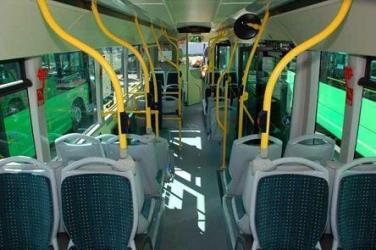
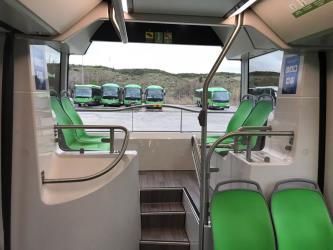
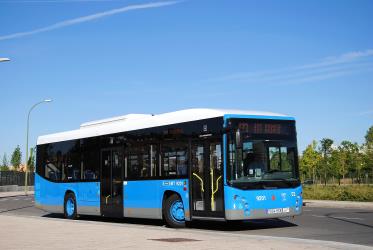
- Take the bus from Ctra.A6-Est.Pinar to Intercambiador Moncloabus 629
- Take the bus from Moncloa to Estación De Atochabus Nc2
1h 19m€4–6Taxi
- Take the taxi from Pinar de las Rozas to Madrid Atocha Stationtaxi 25.4 km
22 min€45–60Drive 25.4 km
- Drive from Pinar de las Rozas to Madrid Atocha Stationcar 25.4 km
22 min€4–6
Pinar de las Rozas to Madrid Atocha Station by train and foot (Renfe)
Questions & Answers
The cheapest way to get from Pinar de las Rozas to Madrid Atocha Station is to train which costs €2 - €7 and takes 43 min.
The fastest way to get from Pinar de las Rozas to Madrid Atocha Station is to taxi which takes 22 min and costs €45 - €60.
No, there is no direct bus from Pinar de las Rozas to Madrid Atocha Station. However, there are services departing from Ctra.A6-Est.Pinar and arriving at Estación De Atocha via Moncloa. The journey, including transfers, takes approximately 1h 19m.
Yes, there is a direct train departing from Pinar de las Rozas and arriving at Madrid-Atocha Cercanías. Services depart hourly, and operate every day. The journey takes approximately 36 min.
The distance between Pinar de las Rozas and Madrid Atocha Station is 28 km. The road distance is 25.4 km.
The best way to get from Pinar de las Rozas to Madrid Atocha Station without a car is to train which takes 43 min and costs €2 - €7.
The train from Pinar de las Rozas to Madrid-Atocha Cercanías takes 36 min including transfers and departs hourly.
Pinar de las Rozas to Madrid Atocha Station bus services, operated by Consorcio de Transportes de Madrid, depart from Ctra.A6-Est.Pinar station.
Pinar de las Rozas to Madrid Atocha Station train services, operated by Renfe Cercanias, depart from Pinar de las Rozas station.
The best way to get from Pinar de las Rozas to Madrid Atocha Station is to train which takes 43 min and costs €2 - €7. Alternatively, you can line 629 bus and bus, which costs €4 - €7 and takes 1h 19m.
What companies run services between Pinar de las Rozas, Spain and Madrid Atocha Station, Spain?
Renfe Cercanias operates a train from Pinar de las Rozas to Madrid-Atocha Cercanías every 20 minutes. Tickets cost €2–7 and the journey takes 36 min. Renfe Viajeros also services this route every 3 hours. Alternatively, you can take a vehicle from Pinar de las Rozas to Madrid Atocha Station via Ctra.A6-Est.Pinar, Intercambiador Moncloa, Moncloa, and Estación De Atocha in around 1h 19m.
- Phone
- +34 912 32 03 20
- [email protected]
- Website
- renfe.com
Train from Pinar de las Rozas to Madrid-Atocha Cercanías
- Ave. Duration
- 36 min
- Frequency
- Every 20 minutes
- Estimated price
- €2–7
- Website
- https://www.renfe.com/es/en/suburban
- Phone
- +34 91 232 03 20
- Website
- renfe.com
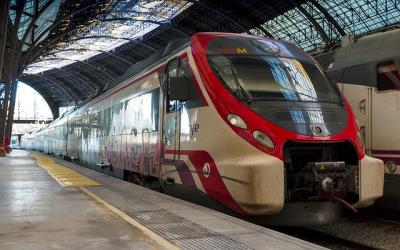
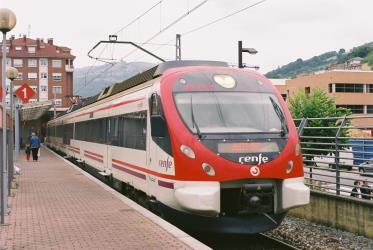
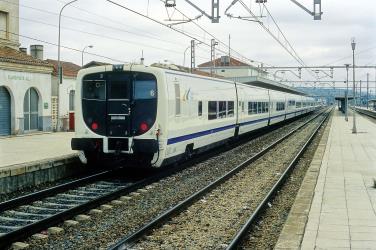
Train from Pinar de las Rozas to Madrid-Atocha Cercanías
- Ave. Duration
- 41 min
- Frequency
- Every 3 hours
- Estimated price
- €3–6
- Website
- https://www.renfe.com/es/en
- Phone
- 012
- [email protected]
- Website
- crtm.es
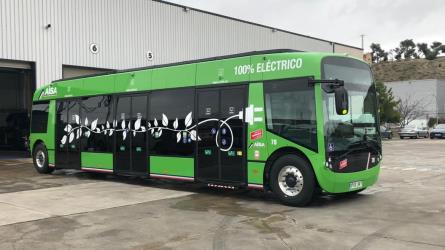
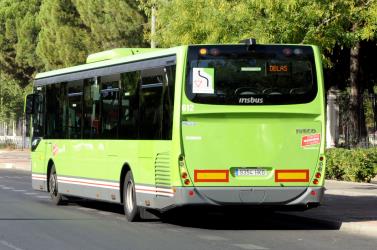
Bus from Ctra.A6-Est.Pinar to Intercambiador Moncloa
- Ave. Duration
- 39 min
- Frequency
- Every 20 minutes
- Estimated price
- €2–4
- Website
- https://www.crtm.es/?lang=en
- Phone
- +34 900 878 331
- Website
- emtmadrid.es
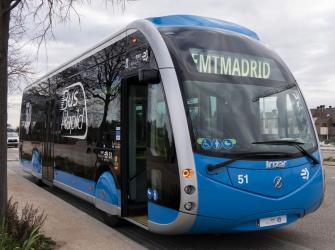
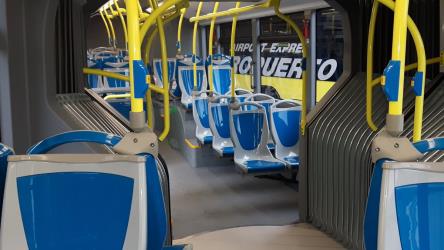
Bus from Moncloa to Estación De Atocha
- Ave. Duration
- 24 min
- Frequency
- Every 15 minutes
- Estimated price
- €2–3
- Website
- https://www.emtmadrid.es/Index.aspx?lang=en-GB

- Ave. Duration
- 22 min
- Estimated price
- €45–60
Radio Taxi Villalba
- Phone
- +34 914 89 55 73
- Website
- radiotaxivillalba.com
Taxi Alpedrete
- Phone
- +34 691 73 65 64
- Website
- taxialpedrete24h.es
Taxi Villalba Madrid
- Phone
- +34 686 38 09 71
- Website
- colladovillalba.taxi
Radio Taxi Independiente Madrid
- Phone
- +34 914 051 213
- Website
- radiotaxiindependiente.com
Radio Taxi Madrid Aeropuerto
- Phone
- +34 911 760 081
- Website
- taxiaeropuertobarajas.com
Radioteléfono Taxi de Madrid
- Phone
- +34 915 478 200
- Website
- radiotelefono-taxi.com
Star Taxi Mercedes Madrid
- Phone
- +34 915 932 020
- Website
- taximercedes.com
TeleTaxi Madrid
- Phone
- +34 913 712 131
- Website
- tele-taxi.es
Want to know more about travelling around Spain
Rome2Rio's Travel Guide series provide vital information for the global traveller. Filled with useful and timely travel information, the guides answer all the hard questions - such as 'How do I buy a ticket?', 'Should I book online before I travel? ', 'How much should I expect to pay?', 'Do the trains and buses have Wifi?' - to help you get the most out of your next trip.
Related travel guides
Train travel in Spain: A guide to Renfe
Read the travel guide
What are the different types of Renfe trains in Spain?
Read the travel guide
More Questions & Answers
Pinar de las Rozas to Madrid Atocha Station bus services, operated by Consorcio de Transportes de Madrid, arrive at Intercambiador Moncloa station.
Pinar de las Rozas to Madrid Atocha Station train services, operated by Renfe Cercanias, arrive at Madrid-Atocha Cercanías station.
Yes, the driving distance between Pinar de las Rozas to Madrid Atocha Station is 25 km. It takes approximately 22 min to drive from Pinar de las Rozas to Madrid Atocha Station.
Book your Pinar de las Rozas to Madrid Atocha Station train tickets online with Omio.
There are 7040+ hotels available in Madrid Atocha Station.